Key Takeaways
- Up-to-date udio and video terminology is important to know before you buy a TV.
- Most viewers should pick 4K UHD over 8K UHD.
- Features like HDR, HDMI ARC, eARC, VRR, and ALLM are situation-specific.
Finding the perfect television has become pretty difficult. Part of the problem lies in the lingo. For example, what do 4K UHD and 8K UHD actually mean? How about OLED or QLED? HDR? And what exactly is Quantum Dot? It’s enough to drive you bonkers.
To help you navigate these new terms, we’ve put together this list of basic TV terminology you should know before plonking down your hard-earned cash. Plus, we’ve included a number of insider tips to make the buying process easier. Whether you’re searching for the best game-day screen, outfitting the kid’s room, or upgrading your battle station, this quick crash course will help you get up to speed on buying a new TV.
- 4K/8K UHD: These designations refer to the number of pixels distributed over the horizontal axis of the screen. 4K, for example, has close to 4,000 pixels.
- Auto Low-Latency Mode (ALLM): Allows automatic latency adjustments between an image and its source. This lowers the time between the image being sent to the television and the television displaying it. Mostly useful for gaming when slower reaction times can negatively affect outcomes.
- Aspect Ratio: Denotes the ratio of screen width to screen height, respectively. 16:9 is the predominant ratio, though 4:3 was popular before widescreen televisions.
- Bezel: A physical border around the edge of the screen. Bezels can reduce the overall viewing area of a TV’s screen. However, on televisions like Samsung’s The Frame, they offer a unique aesthetic that you may find appealing.
- Dolby Vision: A widely accepted HDR standard that offers the best image quality for HDR content.
- HDR10: A high-dynamic range designation that is the base standard across all televisions supporting HDR. HDR technology is designed to improve the contrast, color representation, and highlights of a television’s picture.
- HDR10+: A Samsung specific high-dynamic range standard that is gaining popularity. Offers a boost in quality over HDR10.
- LED: Acronym for light-emitting diode. Television manufacturers use LEDs to provide the light necessary to reproduce images on a television screen.
- OLED: Organic Light-Emitting Diode. OLED screens offer the ability to adjust the luminosity of individual screen pixels. Because of their ability to turn pixels off, OLED screens are considered to produce the darkest black color representation.
- QLED: Quantum Light-Emitting Diode. QLED indicates an LED display that uses a Quantum Dot Layer. These panels produce remarkably accurate color representation.
- Quantum Dot Layer: A layer of semiconductor nanocrystals, called quantum dots, which produce extremely accurate colors. This layer acts as a filter to enhance color and saturation.
- Refresh Rate: The rate at which a television screen updates or refreshes its image. Most popular TV models support 60Hz, though 120Hz is gaining popularity. 240Hz refresh rates are also available, though this rate is more commonly found on gaming monitors.
- Resolution: Indicates the number of pixels displayed on both the horizontal and vertical axes of a screen.
- Screen Size: The diagonal measurement of a television screen in inches. You’ll want to choose between 55 and 75 inches here. That’s the ideal size for most rooms. Larger rooms will often benefit from bigger screens.

- Dolby Atmos: A more recent audio technology that offers a dimension of verticality to supported sound systems.
- eARC—Enhanced ARC. Allows your television to deliver higher-quality audio than standard ARC connections. This audio is delivered uncompressed, and usually sounds better overall.
- HDMI ARC: ARC stands for Audio Return Channel, and denotes two-way communication between television and audio devices such as a soundbar. Instead of using RCA or optical audio connections, ARC allows you to reduce the number of cables required to play sound through an external source down to one.
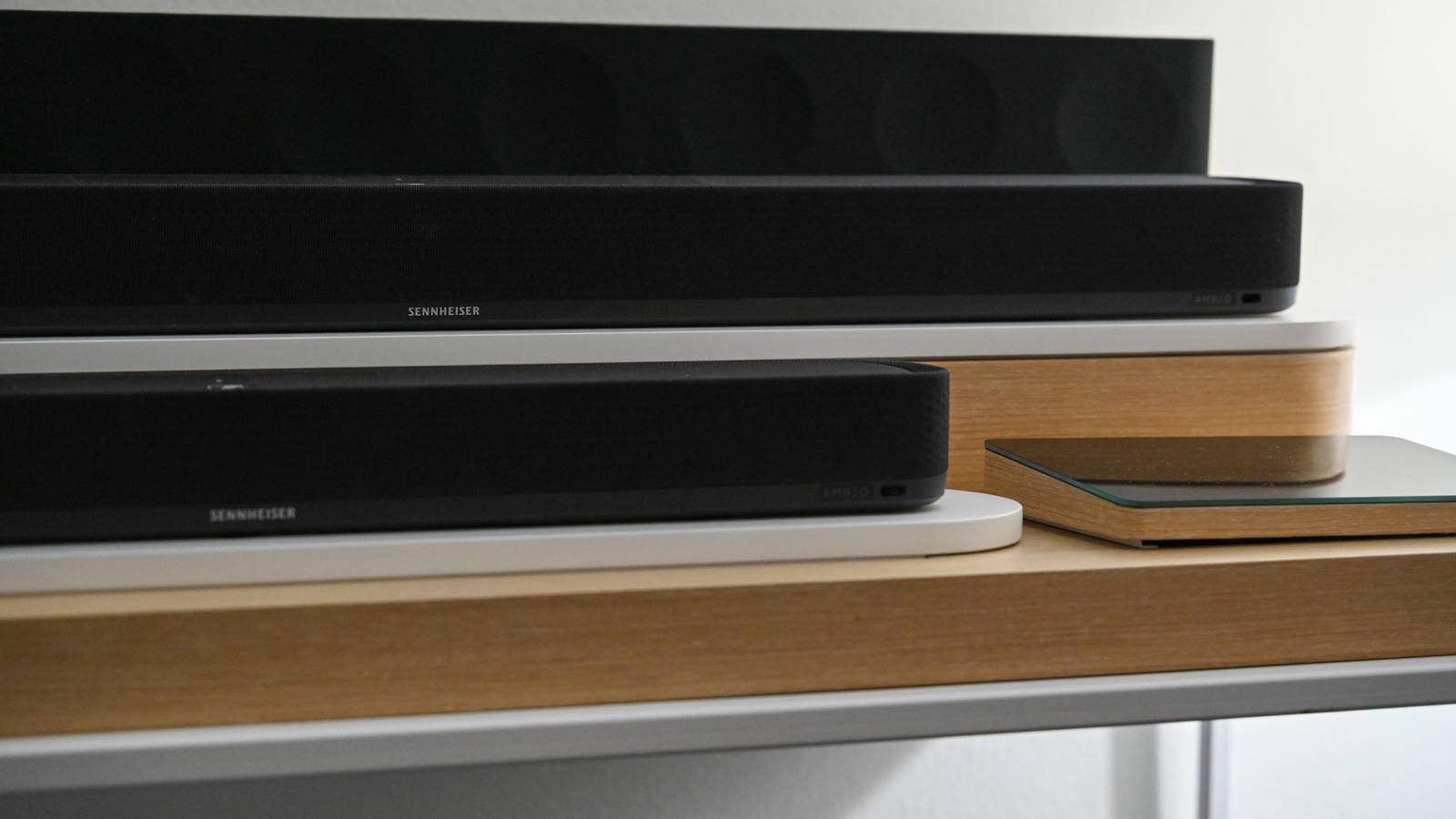
- Soundbar: A soundbar is a speaker that connects externally to a television to enhance or replace its internal speakers. Soundbars are known for their unique shape and often match standard television widths.
Our Top Tips for Picking a New TV

Now that you know about the most essential terms and whatnot, let’s look at some top tips for choosing a new TV.
1. Choose OLED or QLED Over LED
LED, OLED, and QLED sound very similar, and they all use liquid crystal displays (LCDs) with LED back lighting. Where these panels differ, however, is in the way individual pixels within the panel respond to light and produce color. But both OLED and QLED panels stand above LED when it comes to picture quality.
We’ve discussed the differences between OLED and QLED in depth, but if top-tier color representation is important, then picking a QLED television is probably your best bet. If deep black levels and wide viewing angles are significant to you, then OLED is a superb choice.
2. Go With 4K Over 8K
It’s easy to see why someone might want 8K instead of 4K, considering 8K has four times as many pixels. But there’s more to a high-quality picture than just pixel density. You’ll also need to factor in screen size and viewing distance.
We think 8K is overkill, and would instead recommend you stick with 4K. It’ll save you some money. And, unless you’re sitting super close to your TV, or you’re buying an extra large screen, you won’t be missing much.
3. 120Hz Refresh Rate Is the Sweet Spot
Most TV shows and movies are filmed at 24 frames per second (24hz). Which means a 60hz refresh rate is fine for normal viewing. In fact, trying to watch shows above 60Hz can result in what’s called Motion Interpolation, or the “Soap Opera Effect.” However, 120Hz refresh rates can better support live TV programs, certain sports, and modern games. We recommend 120Hz as the sweet spot that offers the most versatility.
4. HDR Is Probably Worth It
Most top-tier TV brands offer HDR technology, and the image quality is worth the extra cost. Especially when using your shiny new TV as a gaming display for your PS5 or Xbox. That said, to view HDR content, you’ll need to ensure whatever you’re watching supports HDR. External devices like Blu-ray players will also need to output to the format for content to display properly.
It’s also important to note that HDR isn’t always a good choice. On less-expensive television models, HDR can actually make the picture look odd. That’s why it’s a good idea to evaluate the image quality of an HDR TV in person before you make a buying decision.
5. ALLM and VRR: Extra Features for the Gamers
If you’re a hardcore gamer, features like Auto Low-Latency Mode (ALLM) and Variable Refresh Rate (VRR) will be more significant to you than they are to others. Both features will allow you to take advantage of the quick response times needed to compete in online games like Call of Duty or Valorant. If you consider yourself a gamer, be sure to check out our picks for the best gaming TVs.
6. HDMI ARC and eARC: For Soundbars and Audio Receivers

Recently, TVs have adopted two new features: HDMI ARC (audio return channel) and eARC (enhanced audio return channel). These allow you to use HDMI to play sound through an audio receiver. If you’re considering a soundbar or a surround sound system, HDMI ARC or eARC are worth looking into.
Overall, buying a new TV shouldn’t be difficult or stressful. It should be fun. If you keep these terms and tips in mind before you start shopping, it will be. And you’ll feel confident that you made the best possible TV purchase.