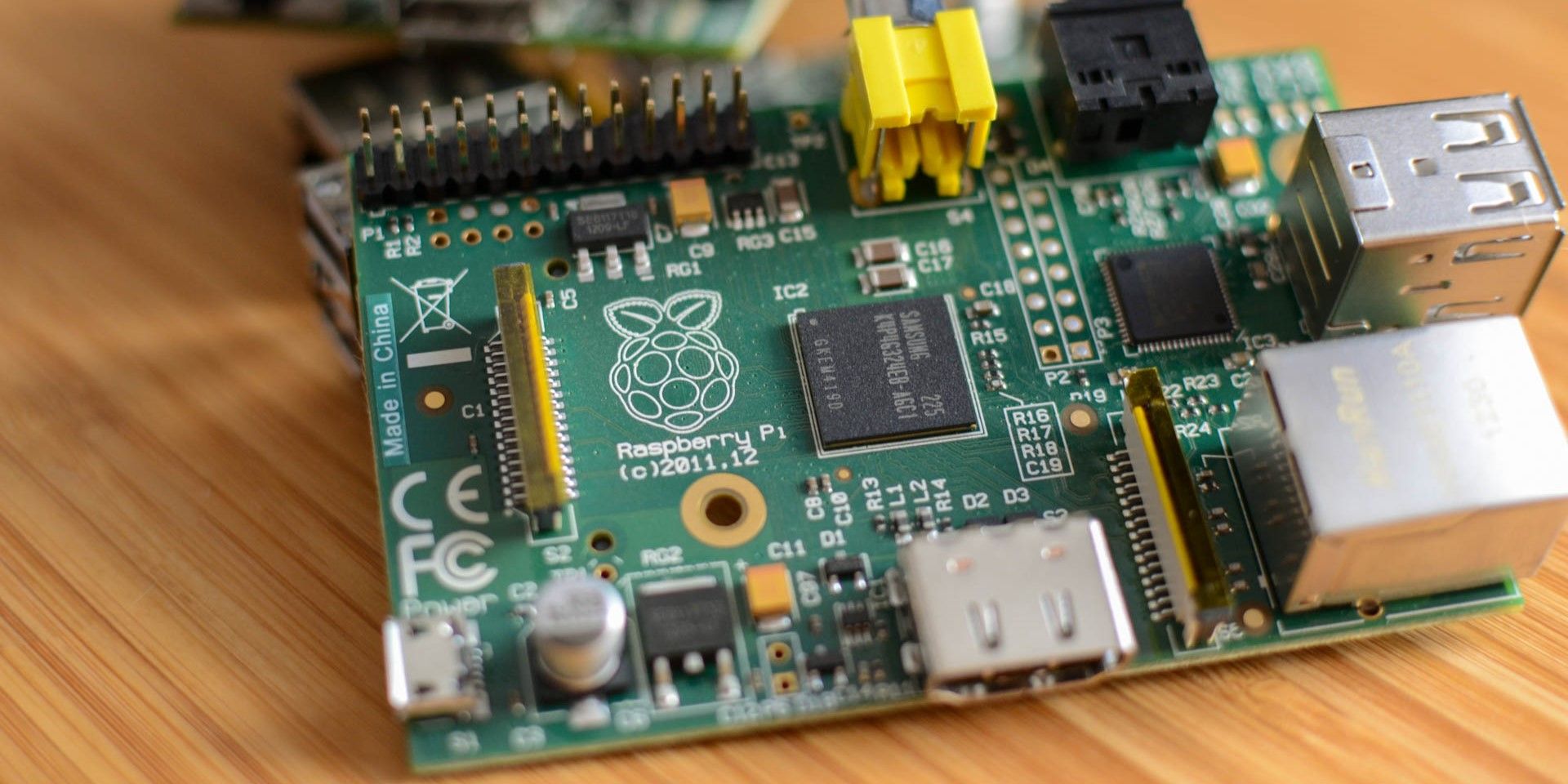
Raspberry Pi single-board computers unlock a new world of exploration into hardware tinkering and programming and are cheap, portable, and power-efficient. While it may be complicated for beginners, Raspberry Pi starter kits come with essential accessories and peripherals that are handy when trying to create a Raspberry Pi setup.
-
CanaKit CanaKit Raspberry Pi 5 Starter Kit
Best Overall


Featuring the latest and currently most powerful Raspberry Pi, the CanaKit Raspberry Pi 5 Starter Kit is ideal for beginners and advanced users who want the best Raspberry Pi experience money can buy.
This starter kit features the Raspberry Pi 5 single-board computer, a compatible plastic case, a 128GB Samsung microSD card preloaded with Raspberry Pi OS, a USB SD card reader, two micro-HDMI to HDMI cables, and a USB-C PD power supply. The Raspberry Pi 5 runs hotter than the Pi 4, so this starter kit includes a case fan and a heat sink to keep the temperatures down when the Pi is in use.
Unfortunately, it doesn’t include instructions in the box. There are a few issues with the case and heatsink being somewhat loose, but overall, this starter kit is a great package that showcases what the Raspberry Pi ecosystem has to offer.

CanaKit Raspberry Pi 5 Starter Kit
Best Overall
$170 $180 Save $10
Featuring the most powerful Raspberry Pi single-board computer and several high-quality components, the CanaKit Raspberry Pi Starter Kit is perfect for users who want to run the Raspberry Pi as a daily driver, retro gaming station, or file/video server.
- Offers good value for money
- High-quality components
- No instructions in the box
- Case and heatsink could be better

The Pi Zero 2 W Basic Kit is another excellent option from CanaKit. It features the Raspberry Pi Zero 2 W, the cheapest Raspberry Pi single-board computer, and offers a low-cost entry into the Raspberry Pi ecosystem. It is not packed full to the brim with peripherals, but you get the essentials to get started.
The Basic kit comes with the Raspberry Pi Zero 2 W, a 2.5A power supply, a heat sink, and an official Raspberry Pi Zero case. There is no preloaded microSD card or HDMI cable, but it does come with a quick start guide and a reference sheet for the GPIO header. While you won’t be getting the fastest desktop experience, CanaKit’s Zero 2 W Basic kit could be a good way to experiment with Raspberry Pis before shelling out the money for a more powerful one.

CanaKit Pi Zero 2 W Basic Kit
Best Budget
The CanaKit Pi Zero 2 W Basic Kit offers only the bare essentials and is ideal for users who want a cheap, low-profile, and general-purpose computer for the Internet of Things (IoT), smart home, and security applications.
- It is affordable compared to alternatives
- A quick start guide comes in the box
- It might be a bit too “bare-bones” for some users
- Might present a challenge to beginners
- The GPIO header isn’t pre-soldered

While there are worthy alternatives from third-party sources, the official Raspberry Pi 4 Desktop Kit offers incredible value. It includes a Raspberry Pi 4 single-board computer and a hard-copy beginner’s guide in the box, plus every other peripheral needed to complete a desktop setup (besides an HDMI display).
In the kit, you will find a Raspberry Pi 4 Model B (either 2GB, 4GB, or 8GB versions), a keyboard, a mouse, two micro-HDMI-to-HDMI cables, a 15.3W USB-C power supply, a case, an official beginner’s guide, and a 16GB microSD card preloaded with Raspberry Pi OS. The guide is quite comprehensive and covers everything a complete beginner needs to set up and use a Raspberry Pi 4.
The only real challenge with this kit is the case that comes with it. It is not designed to work with a heatsink or a cooling fan and the lid has to be taken off if you intend to run any heavy workload on the Raspberry Pi.

Raspberry Pi 4 Desktop Kit
Best for Beginners
With an actual handbook in the box and a microSD card preloaded with Raspberry Pi OS, the official Raspberry Pi 4 Desktop Kit is the best bet for beginners who would rather not source for accessories individually. There is also the aesthetic appeal of completing a Raspberry Pi setup with every component in the official red and white colors.
- Great value for money
- Includes an in-depth guide for beginners
- Includes official power supply
- Official case blocks airflow and may cause throttling
- Some components may be of little use to more advanced users

Unlike the other options on this list, the Sunfounder Raspberry Pi Pico W Ultimate Starter Kit doesn’t provide a desktop experience. Instead, it offers a hands-on learning kit for beginners of all ages to learn programming and electronics tinkering. The Sunfounder kit features the Raspberry Pi Pico W microcontroller and packs many electronic components that can be used in various projects.
It also includes a series of 27 video lessons from hardware expert Paul McWhorter. The videos are easy to follow and will be of help to beginners and even more advanced users. They cover working with the Pico W microcontroller and programming it to perform different operations via user-written code.
The Raspberry Pi Pico W comes with pre-soldered headers and all you need is a breadboard, some jumper wires, and other electronic parts to make your next invention. Other components that can be found in this kit include LEDs, LCDs, buzzers, sensors, actuators, resistors, transistors, capacitors, and other devices that can work as part of an electronic circuit.

Sunfounder Raspberry Pi Pico W Kit
Best for Learning Code
With over 400 electronic components and 117+ projects, the Sunfounder Raspberry Pi Pico W offers a great learning experience and endless possibilities for electronic creations. This starter kit is an excellent choice for users who want an easy, low-cost entry point into the electronics tinkering hobby.
- In-depth video tutorials
- High-quality kit with 450+ electronic components
- The Raspberry Pico W comes pre-soldered
- Complete beginners may have a harder time working through the documentation
- No physical guide to using the kit

If you are into retro game emulation, the GeeekPi Raspberry Pi 4 Starter Kit gives you the tools you need to create a Raspberry Pi gaming system capable of emulating consoles such as PS1, NES, SNES, Dreamcast, and various arcade systems via MAME. Retro gaming on the Raspberry Pi is a world on its own, and you will need to know about ROMS and emulation distributions.
In this kit, you will find an NES-style case that comes with an inbuilt cooling fan, a 128GB microSD card to store all your games, a USB microSD card reader, an 18W power supply, two micro-HDMI-to-HDMI cables and an 8GB Raspberry Pi 4. The case is designed to provide easy access to all ports but covers the GPIO header.

GeeekPi Raspberry Pi 4 8GB Starter Kit
Best for Game Emulation
Featuring a Raspberry Pi 4 with 8GB of RAM, a 128GB microSD card, and an 18W power supply, this GeeekPi retro gaming kit is primed to get the best performance out of your Raspberry Pi 4 and is perfect for users who want an uncomplicated and portable retro gaming setup.
- The NES-style case is a nice touch
- An active cooling fan is included in the case
- A bit expensive
- Case blocks the GPIO header (not a dealbreaker if you will only be gaming with the Pi)
- No guide or manual in the box
FAQ
Q: What is Raspberry Pi used for?
While it was initially intended to serve as an experimenting device for computer science students, the Raspberry Pi has since spread its wings and can be found in applications such as servers, retro gaming, home automation, 3D printing, electronics tinkering, and even in industry.
Q: Why should I use a Raspberry Pi instead of a PC?
The Raspberry Pi uses less power and takes up less space than an average personal computer. You can also find a row of pins, referred to as general-purpose input/output (GPIO) pins, on all Raspberry Pi boards. These GPIO pins allow your Raspberry Pi to send and receive signals from various electronic components and perform physical computing with LEDs, sensors, and motors.
Q: Which OS should I use for my Raspberry Pi?
While several operating systems have been designed to work with Raspberry Pis, it is highly recommended that you install Raspberry Pi OS (formerly known as Raspbian). It is free, open-source, and highly optimized to work with Raspberry Pi hardware.
Q: Can I keep a Raspberry Pi on 24/7?
It is perfectly possible to run a Raspberry Pi for days and even years without turning it off. As long as you keep the temperature controlled, the power supply stable, and set the Pi to install important updates automatically, there should be no issues running a Raspberry Pi 24/7 for a long time. Be sure to back up your Raspberry Pi SD card regularly as a precaution against data corruption in the event of power failure.